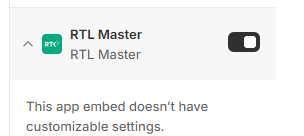
Back to Help CenterActivating the App on Your ThemeGo to Theme Customizer.Navigate to Theme Settings.Select App Embeds and activate RTL MasterClick Save. Still need help?Contact Support